Private Downloader-Play Video
- 3.9
- Rating
- 100.00K
- Installs
- Free
- Price

 Analysis by App-foxy
Private Downloader-Play Video is a focused video tool for people who want to explore and save clips from supported web pages without turning the experience into a full editing suite. After spending time with it, my overall impression is clear: it is most useful when I already know where a video is hosted and want a simple way to keep it available for later, but it is not a universal solution for every website or every kind of media workflow.
The app sits in the video players and editors category, although its role is closer to a private downloader and playback utility than to a traditional editor. That distinction matters. I would not install it expecting timelines, transitions, captions, filters, or a creator-focused production workspace. I would install it for a narrower job: finding playable video on supported pages, saving it when the page allows that workflow, and watching the result from a more convenient place.
That narrow purpose is also its main appeal. The developer, Cool Apps Smart Dev, has kept the concept easy to understand, and the free price makes it approachable for casual use. Its store page presents it as suitable for everyone, while the current release is version 3.0.2 and works with Android 7.0 or later. In practical terms, that gives it a broad device range without making the app sound more ambitious than it is.
You May Also Like

 Blood Strike: 2.5 Anniversary
Blood Strike’s Loadouts Turn Every Drop Into a Tactical Gamble
A close look at Blood Strike’s custom loadouts: how fast access to signature weapons reshapes its battle royale rhythm, rewards preparation, and narrows the gap between fights.

 Pandora - Music & Podcasts
Pandora’s Music Is Easy to Start, but Harder to Recover
Pandora’s strength is its low-effort path from a seed to a station. Its weak spot is how much confidence it asks you to place in connection, setup, and quiet recovery.

 8 Ball Pool
 Is Built on Rivalries, Rematches, and Routine
A close look at the rivalries, rematches, shared routines, and unanswered safety questions that turn a quick pool match into a persistent mobile community.

 Samsung Music
’s Quiet Strength Is Playing What You Already Own
Its reach comes less from spectacle than from dependable access to a personal library. That simplicity is both the app’s strongest retention engine and its ceiling.

 AccuWeather: Weather Radar
AccuWeather Review: A Quick, Clear Forecast for Everyday Decisions
For everyday plans, the best forecast is the one you can understand quickly. AccuWeather makes rain timing, radar, and local conditions easy to act on, with a few trade-offs.

 Hill Climb Racing
Why Hill Climb Racing Still Turns Crashes Into One More Run
A tiny car, a bumpy hill and one more upgrade: Hill Climb Racing keeps resurfacing because its simple chaos makes every near-miss feel personal.
More From Our News Desk
View All News


What using the app feels like in everyday situations
The most convincing use case is a familiar one. Imagine finding a useful tutorial, a short demonstration, or a video you want to revisit while travelling or away from a reliable connection. Instead of leaving the original page open and hoping it remains easy to find, I can use the app to explore the supported page and save the video for later viewing. The value is not flashy; it comes from reducing the number of steps between discovering something and keeping it accessible.
I also see a practical role for people who collect reference clips. Someone learning a craft, practising a language, comparing product demonstrations, or saving educational material may prefer a separate place for videos rather than mixing everything with browser tabs. The app can make that routine feel more deliberate: browse a supported page, identify the relevant video, save it, and return to it through a video-focused tool.
That workflow depends heavily on the page being supported. I would not treat the app as a promise that any video on the internet can be downloaded. A page may contain several media elements, embedded players, or content that is designed only for online playback. When the app cannot work with a particular page, the limitation is not something I can solve by repeatedly pressing the download option. The sensible approach is to test the page once, then move on if the result is inconsistent.
One useful habit is to decide what I actually need before saving anything. If I only want to watch a clip once, keeping it in the browser may be simpler. If I expect to revisit it several times, saving it through a dedicated tool becomes more worthwhile. This small distinction prevents the app from becoming a dumping ground for videos I will never open again.
Its strongest quality is the focused workflow
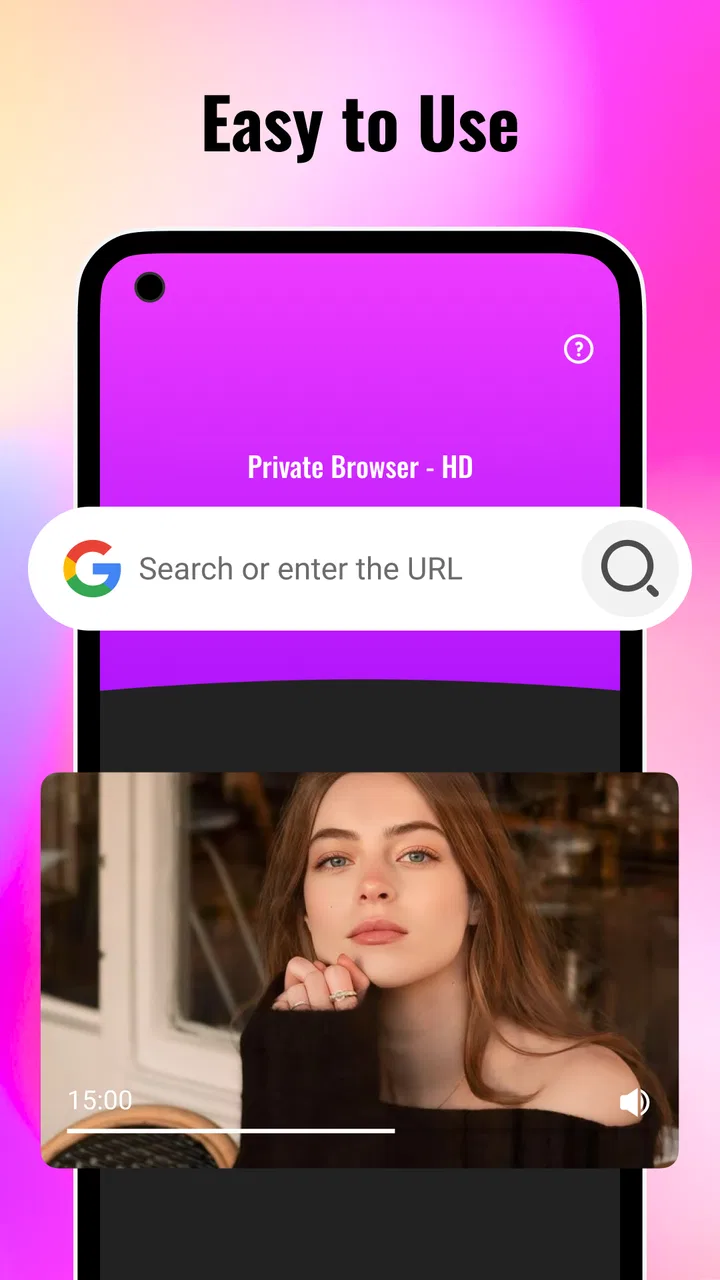
Many video applications try to do too much. They combine editing, social discovery, cloud storage, playback, and sharing, which can make a simple task feel unnecessarily busy. Private Downloader-Play Video takes a more direct route. Its identity is built around exploring supported web pages and saving video, so I can judge it by how quickly it gets me from a page to a playable file rather than by how many creative tools it includes.
That focus is particularly helpful on a phone. A mobile browser is excellent for discovering content, but it is not always the most comfortable place to manage videos that I want to revisit. A dedicated downloader and player gives the task its own context. I can think of the browser as the discovery stage and this app as the keeping-and-watching stage.
The free price also changes the decision. I do not have to commit to a subscription simply to find out whether my preferred pages work with it. I can try a small, sensible test: choose a page I am allowed to save, check whether the video is detected correctly, play the saved result, and then decide whether the workflow is reliable enough for regular use.
That test is more informative than the app’s average rating alone. The listing shows a 3.9 average from around 193 ratings, with about 10 written reviews. Those figures suggest a mixed but usable reception rather than universal approval. I read that as a reason to evaluate compatibility with my own browsing habits instead of assuming the same experience on every device and website.
Three practical habits that make it more useful
First, I would keep the app for clearly permitted material. Saving a video is not the same as having permission to redistribute it. Personal reference, offline viewing where allowed, and material offered for download are sensible boundaries. I would avoid treating the app as a way around a creator’s restrictions or a service’s terms.
Second, I would name or organize saved videos immediately if the app’s available workflow gives me that option through the device’s file handling. A downloader becomes less useful when several clips have indistinguishable names. Even without advanced library tools, a simple routine of saving only what I need and removing duplicates keeps the collection manageable.
Third, I would check the saved file before leaving the original page. This is a small but important trade-off. A video can appear to download successfully yet still be inconvenient to play, incomplete, or different from the version I intended to keep. Playing a few seconds while I still have the page open gives me a quick confirmation and avoids discovering the problem later.
These habits are not glamorous features, but they are where the app’s real usefulness lies. The store summary is short, while the actual experience depends on choosing compatible pages, keeping expectations realistic, and treating downloads as a small personal library rather than an automatic archive of everything encountered online.
Where the app falls short
The biggest weakness is the word “supported.” It places a boundary around the whole experience. If my daily viewing comes from a mixture of websites, social platforms, subscription services, and pages with unusual players, I may spend too much time testing what works. A general browser, an official offline feature, or a platform’s own download option may be more dependable for those sources.
There is also a difference between downloading and managing video. A person who wants a polished media library may find the app too limited. I would not choose it as my main tool for sorting a large collection, converting formats, editing clips, adding subtitles, or preparing content for publication. Those jobs belong to more specialized applications, and trying to make this one handle them would create frustration.
Playback is another area where expectations should stay modest. The app’s purpose includes playing saved video, but that does not automatically make it a replacement for a feature-rich media player. If I need extensive subtitle controls, audio-track selection, casting options, advanced file browsing, or detailed playback adjustments, I would look at a dedicated player instead.
Privacy is part of the app’s appeal in its short description, but I would still use the word carefully. A private downloader can mean a personal way to save and view content; it should not be read as an absolute guarantee that every activity is invisible or that every source is handled identically. I would review the app’s current behavior on my own device and avoid saving sensitive material simply because the name sounds reassuring.
The app may also feel less valuable to people who already use official offline viewing in their favourite services. Official tools usually understand their own content better and are more predictable within that service. Private Downloader-Play Video makes more sense for supported pages that do not offer a convenient personal-saving workflow, not as a replacement for every official option.
How it compares with the usual alternatives
Compared with ordinary browser bookmarks, the app can be better when I need the actual video available for later playback rather than merely a route back to the page. A bookmark stays dependent on the website, the page address, and the site’s future availability. Saving a permitted video can be more convenient for repeated personal viewing.
Compared with screen recording, a downloader is the cleaner choice when the page is supported and the content can be saved legitimately. Screen recording captures the display in real time, often adding unnecessary steps and producing a result that may not match the original quality or controls. I would reserve recording for situations where no proper saving option exists and where I have the right to make that copy.
Compared with official offline buttons, the official option wins whenever it is available and suits my needs. It is usually tied directly to the service’s own catalogue and playback system. The advantage of this app is flexibility across supported web pages, but that flexibility comes with uncertainty: compatibility can vary, and the resulting file may not offer the same integrated experience as an official download.
Compared with a full video editor, this app is faster for the specific task of keeping a clip, but it is not a creative workspace. I would use an editor after downloading only if I had a legitimate reason to trim or adapt the material. The two tools solve different problems, and choosing the downloader because it is simpler does not mean it can replace editing software.
Who should install it and who should skip it
I think it is a good fit for someone who regularly encounters useful videos on supported web pages and wants a free, uncomplicated way to save them for personal viewing. It is also suitable for people using older Android hardware, since the minimum operating system is Android 7.0. The Everyone content rating makes it broadly accessible, although responsible use still depends on the kind of material being saved and how it is used.
It may suit students, hobbyists, travellers, and anyone building a small reference collection from permitted sources. The strongest match is a person with a repeatable routine: discover a video in the browser, save it through the app, verify playback, and return to it later. That routine gives the app a clear place in everyday life.
I would skip it if my main goal is professional content production, extensive media management, or guaranteed downloads from a particular service. I would also skip it if I rarely need offline video and already have reliable official options. Installing another app only adds value when it removes a real inconvenience.
Before relying on it for an important trip or project, I would run a small compatibility check with the exact type of page I use most. I would save one short, permitted video, confirm that it plays properly, check where it is stored, and make sure I can find it again. That four-step trial tells me more than a general promise because the supported-page boundary is central to the experience.
My final assessment
After using it as a focused downloader and player, I see Private Downloader-Play Video as a practical niche app rather than a complete video centre. Its strengths are its simple purpose, free access, and usefulness when a supported web page contains something I genuinely want to keep. Its weaknesses are equally clear: compatibility is not universal, library management is not its main attraction, and it cannot replace official offline tools, advanced players, or editors.
The app has passed the early adoption stage with over 100 thousand installs, which gives it a reasonable level of visibility without making it seem like an all-purpose standard. I would describe it to a friend as a tool worth trying when browser-based video saving is a recurring problem, especially because there is no purchase barrier. I would not describe it as essential for every Android user.
My recommendation is therefore conditional but positive. Try it with a few pages you are allowed to save, keep only the videos you will actually use, and judge it by the reliability of that personal workflow. If those pages work smoothly, the app can remove a surprisingly annoying bit of friction. If they do not, a browser bookmark, an official offline feature, or a dedicated media player will probably serve you better.
The clearest takeaway is simple: this is a useful specialist tool when its supported-page workflow matches your habits, not a universal answer to online video.
FAQs for Private Downloader-Play Video
01What is Private Downloader-Play Video used for?
Private Downloader-Play Video is an app designed to help users download and store videos from various websites directly onto their devices. It offers a secure environment where users can manage their downloaded content, ensuring privacy and easy access to their favorite videos without the need for an internet connection.
02Is Private Downloader-Play Video safe to use?
Yes, Private Downloader-Play Video prioritizes user safety by implementing robust security measures. It ensures that downloaded content is stored securely and that user data remains private. However, users should always download content responsibly and respect copyright laws to avoid any legal issues.
03Does Private Downloader-Play Video support all video formats?
Private Downloader-Play Video supports a wide range of popular video formats, ensuring compatibility with most downloaded content. However, some less common formats may not be supported. The app also offers conversion features to help users convert videos into compatible formats if needed.
04How does Private Downloader-Play Video manage storage space?
The app includes features to manage storage effectively, allowing users to monitor their device's storage usage. It provides options to delete or move files to external storage, ensuring that users can keep their devices running smoothly without unnecessary space consumption from downloaded videos.
05Do I need an internet connection to use Private Downloader-Play Video?
An internet connection is required to download videos initially. However, once the videos are downloaded, users can watch them offline at any time. This makes the app ideal for users who want to access their favorite content without depending on a constant internet connection.
Pros
- Easy-to-use interface
- even for beginners.
- Supports multiple video formats seamlessly.
- Fast download speeds with no interruptions.
- Background downloading allows multitasking.
- Built-in browser for direct video access.
Cons
- Ads can be intrusive and frequent.
- Limited features in free version.
- Occasional crashes on older devices.
- No option to download high-res videos.
- Lacks integration with major streaming apps.

Private Downloader-Play Video
Gallery